
Automation

Screens that update themselves.

Most signage work is repetitive: the same feed, the same weekly menu, the same alert. Automate it once and spend your time on the content that is actually worth designing.

Morning campaignFlow healthy
When

Weekdays · 08:00

Doors open

And if

Weather is sunny

Live local condition

Then

Play summer layout

12 retail displays

Then

Publish approved

No gaps or conflicts

Five ways content arrives without anyone logging in

Flow builder

Draw the schedule instead of filling in forms

Drag a source — a screen, playlist, media file or campaign — onto the canvas, join it to time rules and triggers, and point it at a screen, a group or a segment.

  • Screen segments so a rule follows a type of location, not a list
  • Priority and conflict handling with a visible winner
  • A week timeline with coverage strips and live per-screen preview
  • A check panel for dead ends, gaps, clashes and uncovered screens
  • A/B splits, ordered sequences and timed waits on the same canvas
  • Hour-by-hour simulation and version history with rollback
See the flow builder
Developers

Public REST API and signed webhooks

Scoped API credentials give your systems direct access to screens, playlists, media and schedules. Outbound webhooks are HMAC-signed and retried with backoff.

  • Per-key scopes, rotation and usage visibility
  • Events for device offline, publish, emergency and booking
  • Signature verification examples for common stacks
  • Public endpoints for cron and third-party callbacks
Feeds

Scheduled ingestion with expiry

Point SignTempo at an RSS feed, JSON endpoint or single page and choose how often to pull it. Items are de-duplicated and expire automatically.

  • Field mapping into blocks and playlists
  • Automatic expiry so stale items self-remove
  • Per-source health, last run and error history
  • Manual re-run when you cannot wait for the schedule
Microsoft 365

Teams, SharePoint, OneDrive and Outlook

Register a single Entra application, map groups to roles, and publish approved internal content without giving players Microsoft credentials.

  • Server-side caching keeps tokens off the device
  • Group-to-role mapping for SSO-driven access
  • SharePoint news and OneDrive assets as playable content
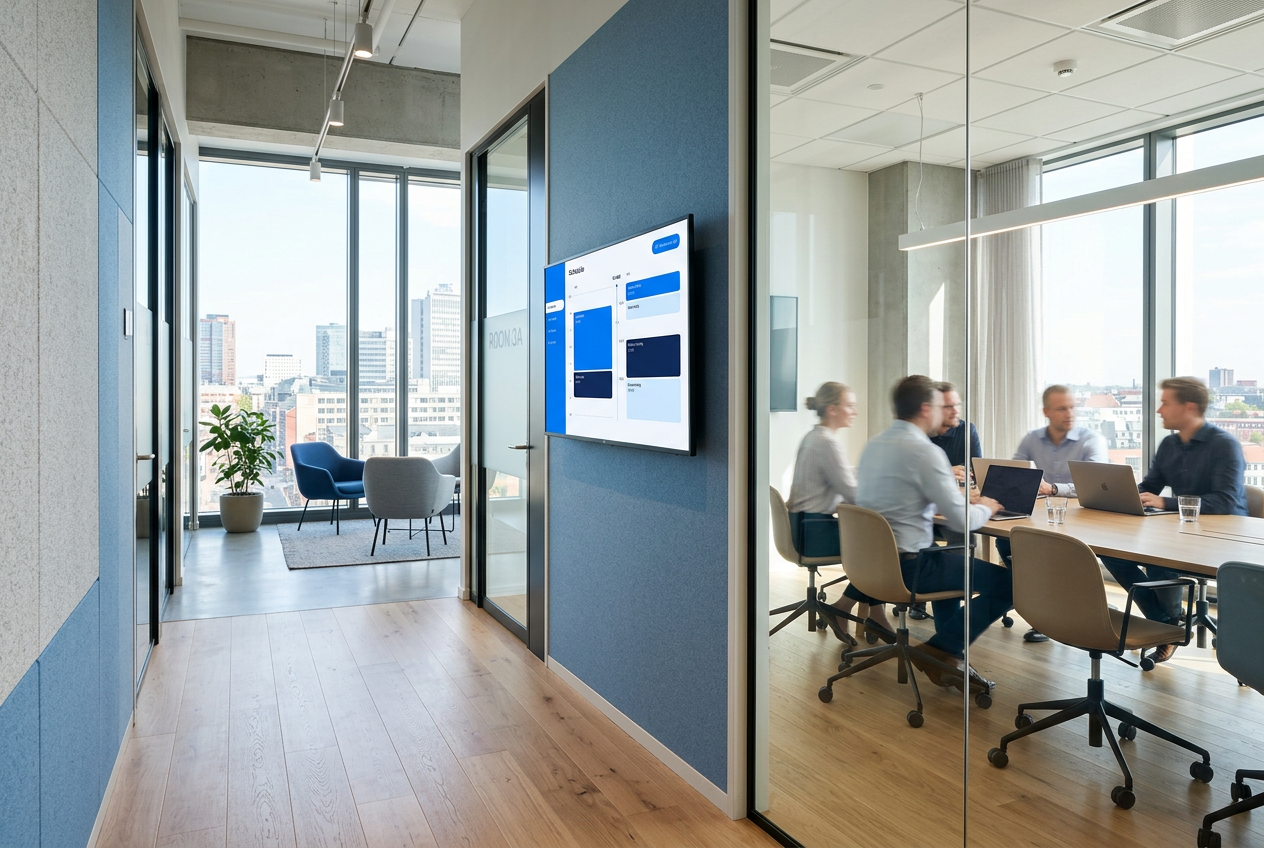
  • Room mailboxes for meeting-room displays
SMS

Two-way SMS on a long number

Staff text a workspace code plus a screen ID and their message. The screen updates in seconds, the reply confirms it, and the change is in the audit log.

  • Twilio-backed long number with per-workspace codes
  • Allowed-sender lists and command validation
  • Confirmation and error replies to the sender
  • Managed centrally from the platform admin console

When something urgent happens

Emergency messaging is part of the product, not a paid add-on.

One-click takeover

Pick severity, audience and message; the fleet switches within seconds.

Drill mode

Rehearse a full evacuation flow marked clearly as a drill.

Triggered by your systems

Fire panels, BMS and mass-notification tools can start and clear alerts over the API.

Fully audited

Who started it, who cleared it, which screens showed it and for how long.

Triggers that start a flow

A rule does not have to wait for the clock. Cooldowns, fallback content and filtered notifications keep it sensible.

SMS

A text to your long number switches the content on a screen, and the flow logs who sent it.

Calendar and ICS

An event in an Outlook, Google or ICS calendar turns content on for exactly as long as the booking lasts.

Webhooks

Any system that can call a URL can start or clear a rule, with the payload available to the flow.

Weather

Temperature, rain or wind conditions swap the message without anyone watching the forecast.

Device state

React to a screen going offline, coming back or falling behind on cached content.

Audience

Footfall thresholds and quiet periods can bring a different rotation forward.

Measurement and monetisation

Audience modelling

Estimate impressions from venue traffic patterns, or ingest real counts from sensors.

Engagement tracking

Touches, QR scans and short-link taps rolled up hourly per screen and campaign.

Advertiser bookings

Sell slots, manage advertisers and generate proof-of-play reports.

Shareable reports

Public report links for agencies and tenants, revocable at any time.

Dwell and completion

Every play reports planned seconds, actual seconds and whether the item finished, so you see attention per page rather than a raw play count.

Roll-ups across workspaces

Report on one workspace or on every workspace you can reach, with site, city and country columns in the same CSV export.

Automate the boring 80%

Connect a feed, wire a webhook, and let the screens run themselves.