 SignTempo
Android TV and boxes
Signed kiosk APK with auto-start, watchdog restart and Android Enterprise zero-touch enrolment.
Players
Most fleets do not need new screens — they need a player that does not fall over. Ours caches, buffers, recovers and reports on every platform we support.

Signed kiosk APK with auto-start, watchdog restart and Android Enterprise zero-touch enrolment.
Guided setup image with keyboard-free Wi-Fi provisioning, auto-login kiosk and unattended updates.
System-on-chip players with remote power scheduling — no external box on the wall.
Any modern browser in full-screen kiosk mode, ideal for Chrome OS, Windows and quick trials.
Provisioning for existing BrightSign estates that need a new back end rather than new hardware.
IndexedDB media cache, warm buffering for gapless video and automatic recovery from stalls.
Fonts ship with the player instead of loading from the web, so nothing reflows, and transparent layers render properly with an optional backing plate.
Android and Raspberry Pi run interactive kiosks with allowed-domain browsing, idle reset, PIN protection and session analytics; browsers get a best-effort fallback.
The most common migration path off an older player, without a keyboard on site.
Follow the wizard, generate the image with your Wi-Fi details baked in and write it to an SD card.
It joins the network, opens the player and shows a pairing code on the TV.
Enter the code in the console, assign a screen, and it starts caching immediately.
Heartbeats with playback state, cache size, temperature and uptime — throttled for large fleets.
Reboot, refresh, clear cache and screenshot on demand from the console.
Panel power schedules, orientation, brightness and volume via device profiles and HDMI-CEC.
Watchdog restart, safe fallback content and automatic re-pairing after a factory reset.
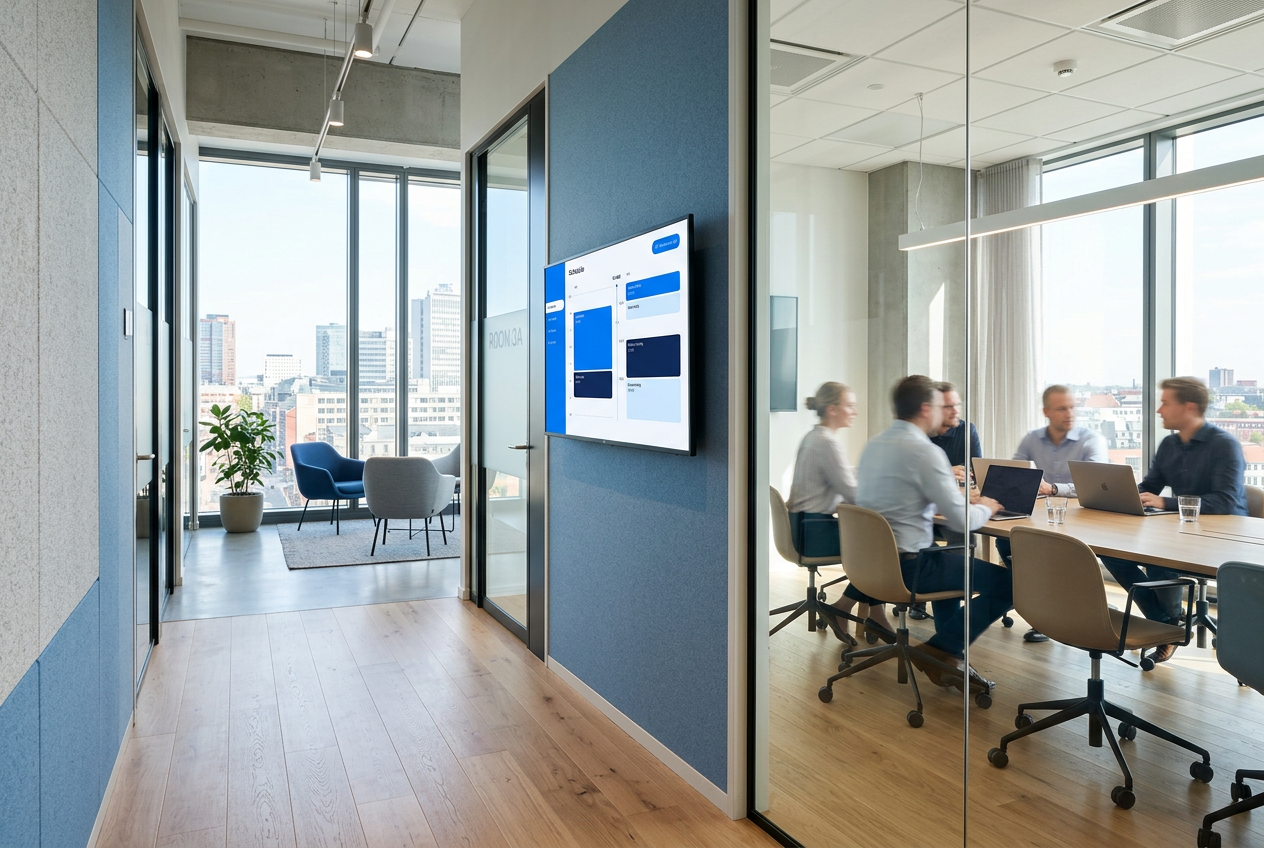
Open the web player on any TV browser and pair it in under a minute.